Tags system
There sometimes could be a necessity to combine or mark different objects in the tracker without using the groups. You can now solve that task with the help of Tags.
Only super-admin account can create, edit and delete tags. Any account in the tracker can use tags.
Creating tags
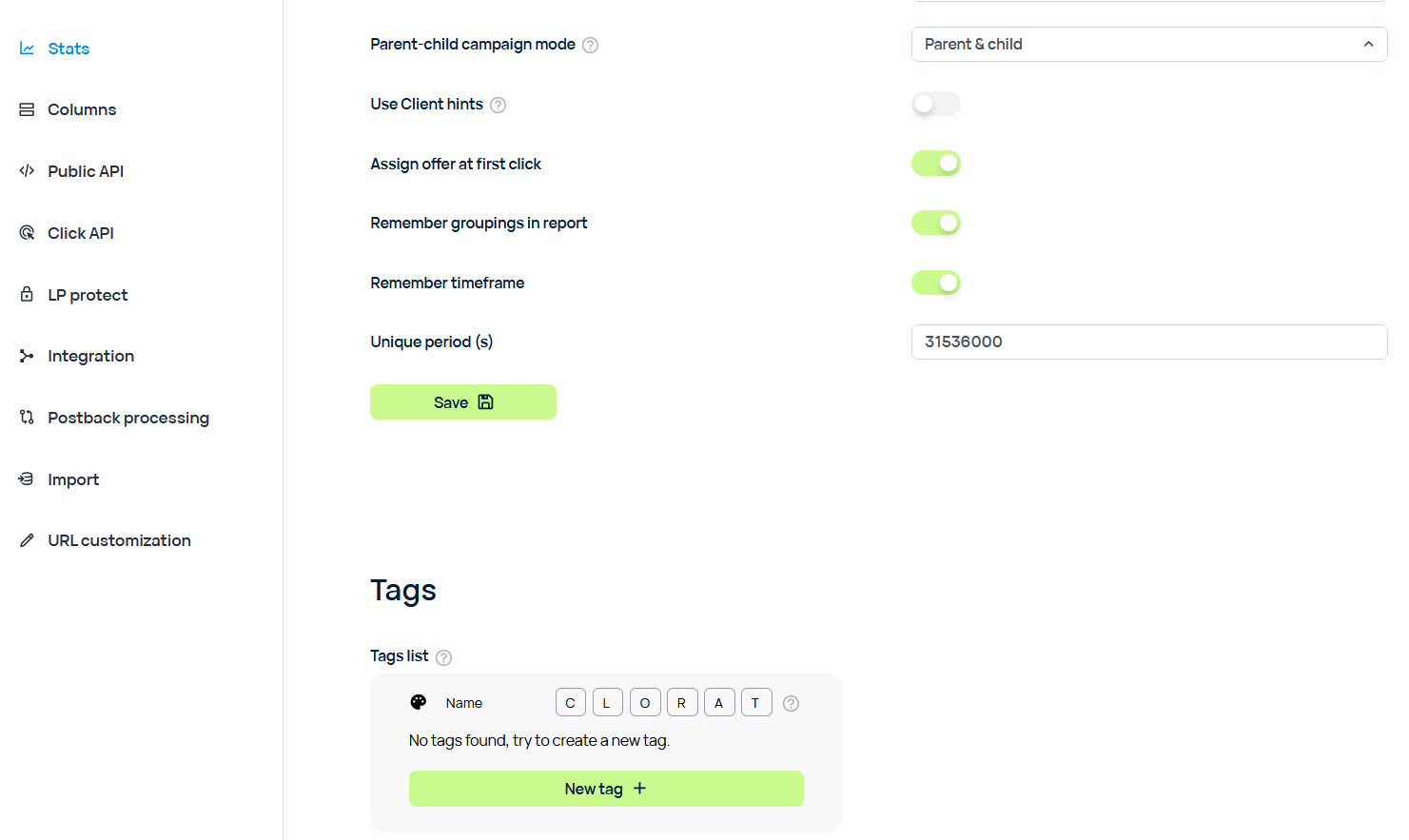
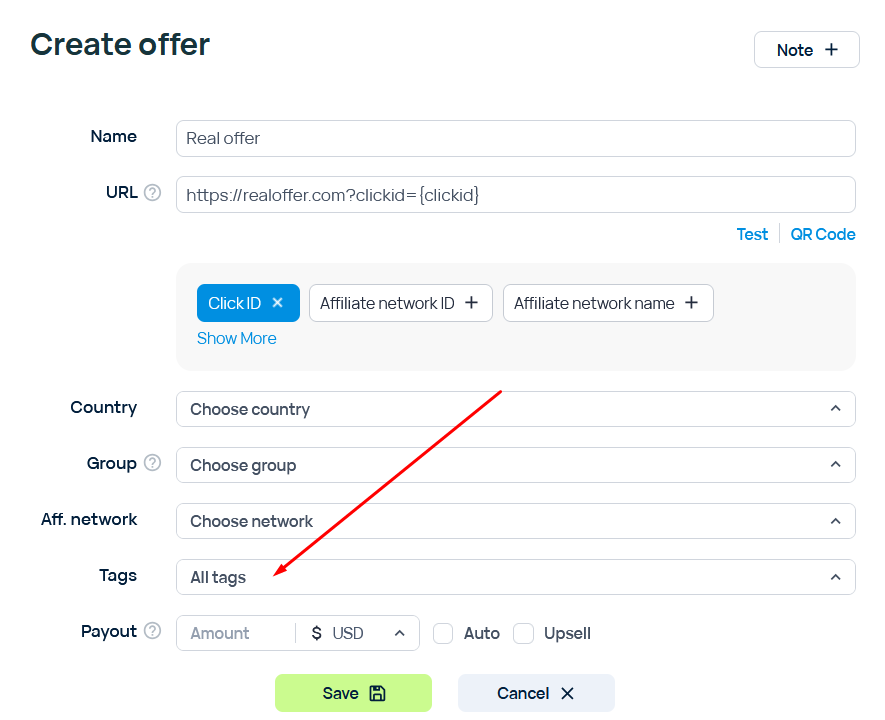
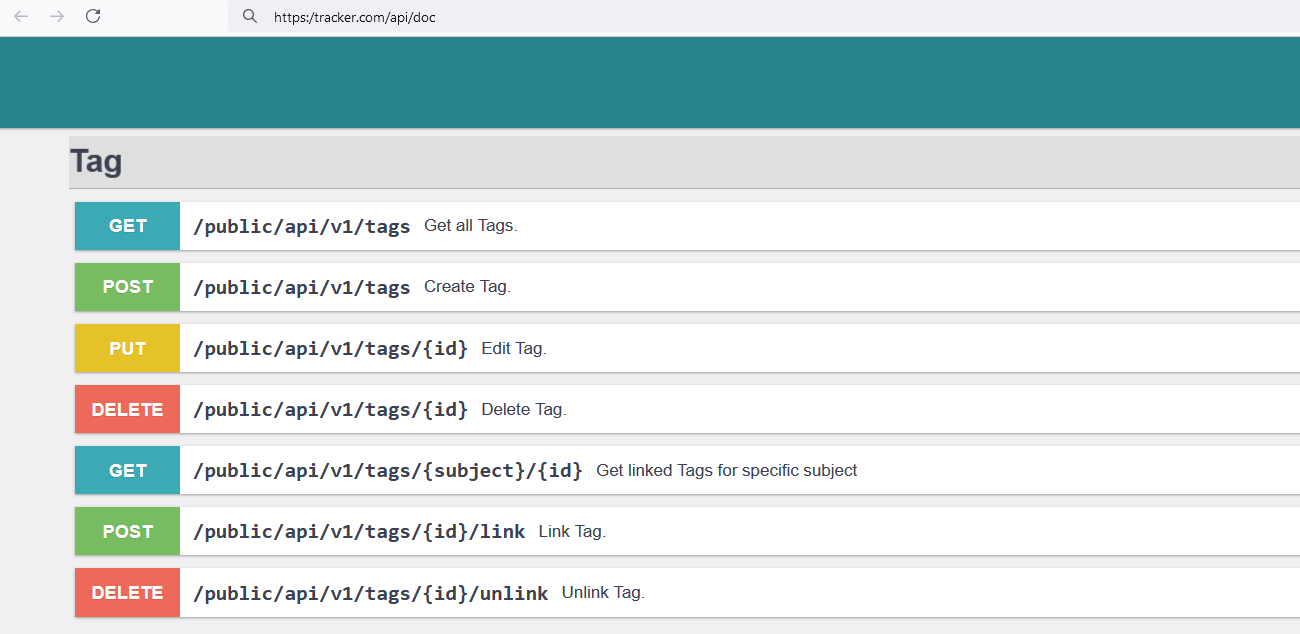
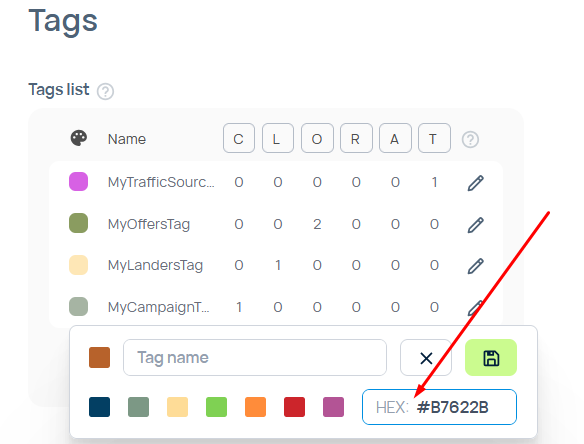
You can create tags in different ways: - In Settings > Stats > Tags. - While editing Campaigns, Offers, Landers, Rotationns, Affiliate Networks and Traffic sources. - Through API
You can also define your own colors with the help of HEX-code.
Searching by tags
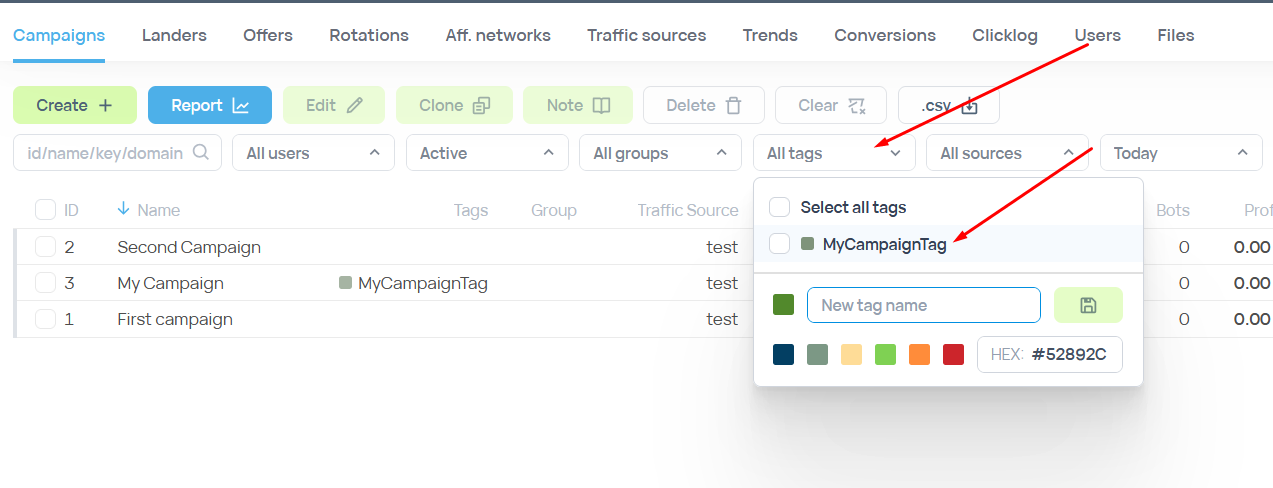
You can search by the Tags filter.
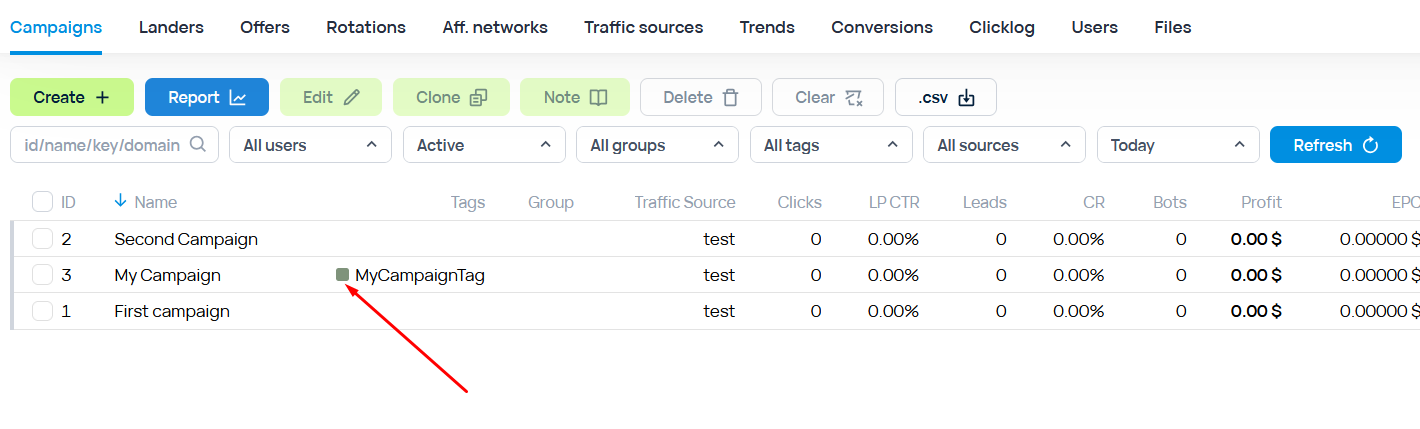
As well as by clicking on the colored square of the tag that you have on one or more elements.
Info about tags
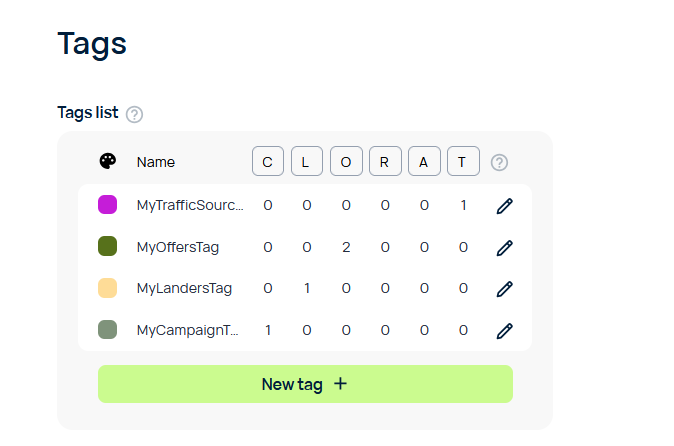
You can check the amount of tags and the number of elements they are used on in the Settings > Stats > Tags section.