
Triggers
Triggers allow you to check statistics in the background. They also allow automation and sending of notifications based on the rules you've set.
Triggers consist of three basic modules: Object, Condition, Action.
Object
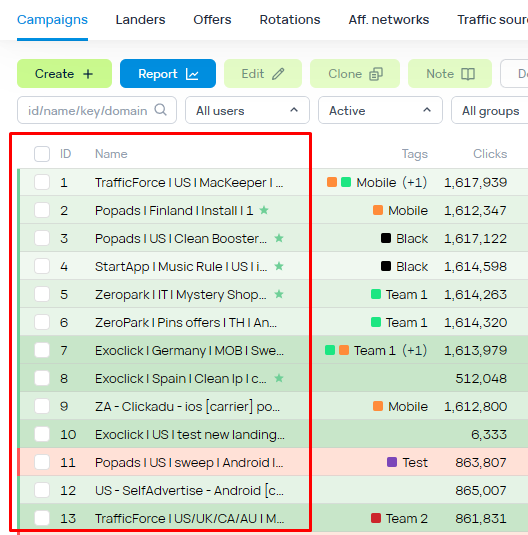
An Object can be a specific object of the tracker (campaign, rotation, landing, offer, traffic source, affiliate network).
There is a logical OR between the elements in the Object.
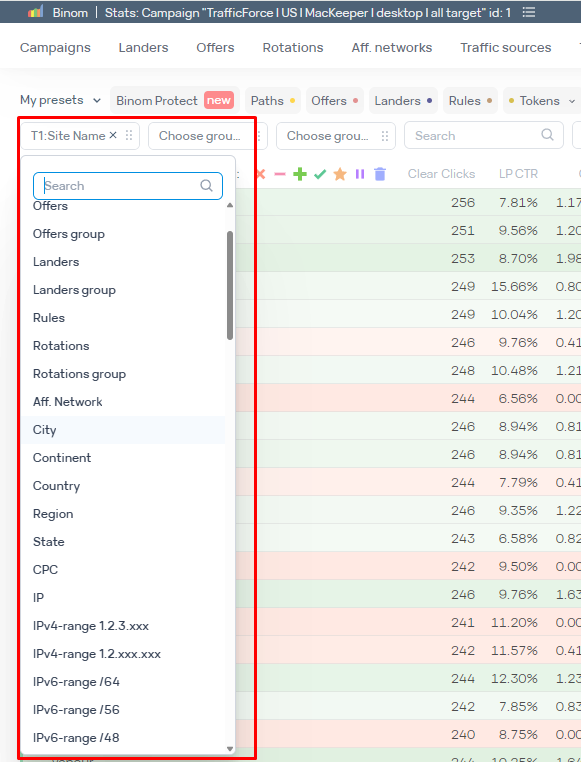
or it can be a report grouping of the object (for example, an offer or the value of a token of a specific campaign).
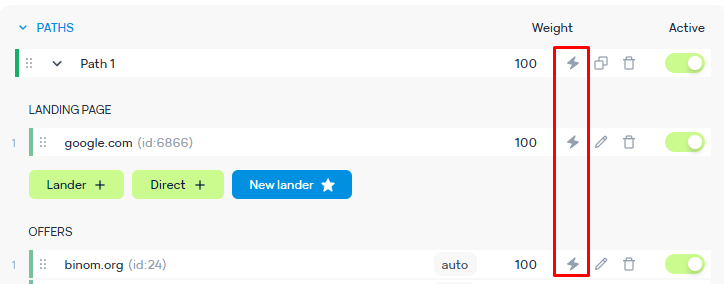
You can choose the object of the trigger directly from the campaign's rotation
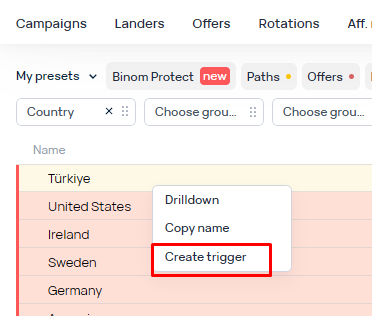
or from the report via a right mouse click.
Condition
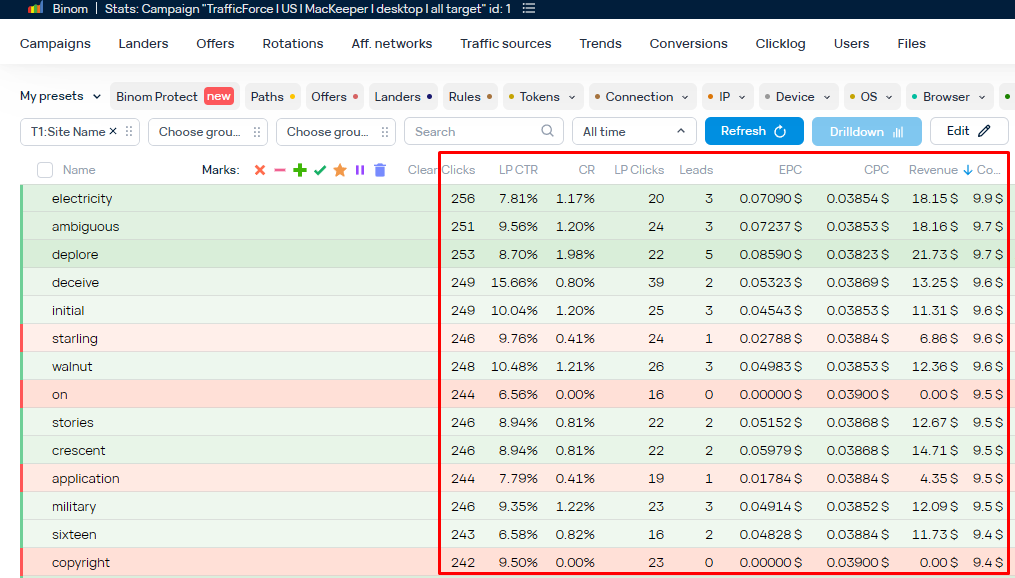
A trigger's condition can be any metric of the report of the selected object. For example, LP CTR of the chosen token.
Action
A trigger's action can be:
- turning on/off an element of distribution in a campaign or rotation
- changing the weight of an element in a campaign or rotation
- changing the rotation in the campaign
- sending a notification to Telegram
- sending a notification to the tracker
- webhook activation
An Action will only be executed when the Condition is met.
Main trigger settings:
- Active time. Timeframe of the trigger's activity (if the trigger is enabled)
- Frequency. The frequency (in seconds), with which the trigger will check the Condition. The default value of 60 means that the trigger will check the Condition once every minute. We do not recommend to set this value below 60 since the trigger needs time to check conditions and run actions.
- Enabled. Turning on/off
- Disable after fire. Checking this box will disable the trigger after the first time the Action is executed
- Performance. Evaluation of the time that will be needed to check the Condition
Depending on the complexity of the condition, the amount of clicks in the database, and your server's specifications - the Condition check can be either simple or quite complex in terms of the needed resources. This will be reflected in the time needed to check the Condition. A high volume of complex triggers with high frequency can negatively impact the overall performance of the tracker.